Assets
Viewing the Asset List
TodoFusion Management provides the flexibility to integrate with various external tools and services, allowing you to streamline your workflow and enhance your task management experience. In this section, we'll explore how to set up and manage integrations with Taskify.
Overview
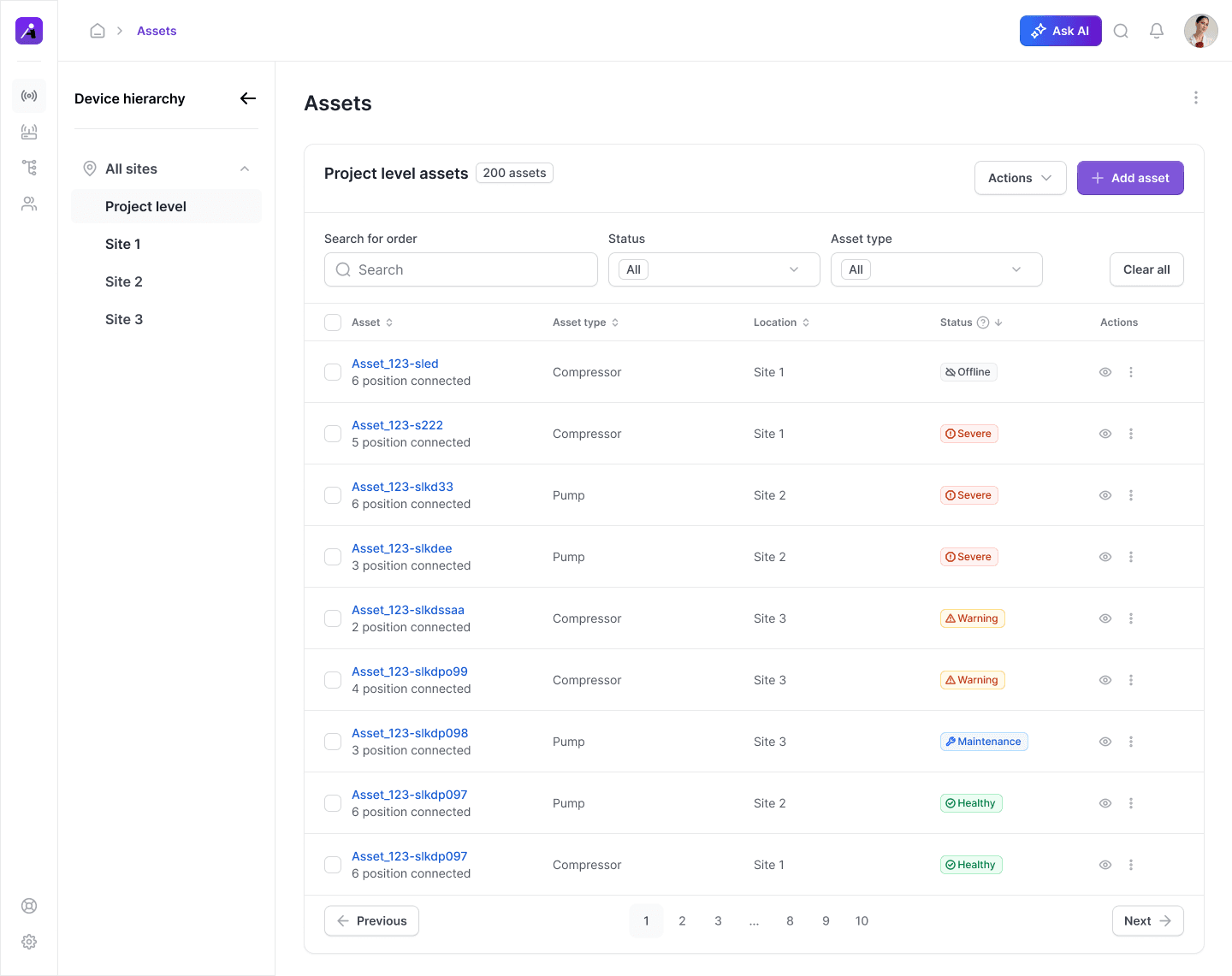
The Asset List displays all assets in the selected hierarchy. Use it to review details, filter results, and perform actions.
Steps
Go to Assets in the left-side navigation.
Review the table with columns: Name, Status, Type, Site/Location, Last Update.
Hover over a row to reveal actions: View, Edit, Move, Delete.
Tips
Use search/filters to find assets quickly.
Breadcrumbs at the top show your hierarchy path.